Take 365 Challenge With You
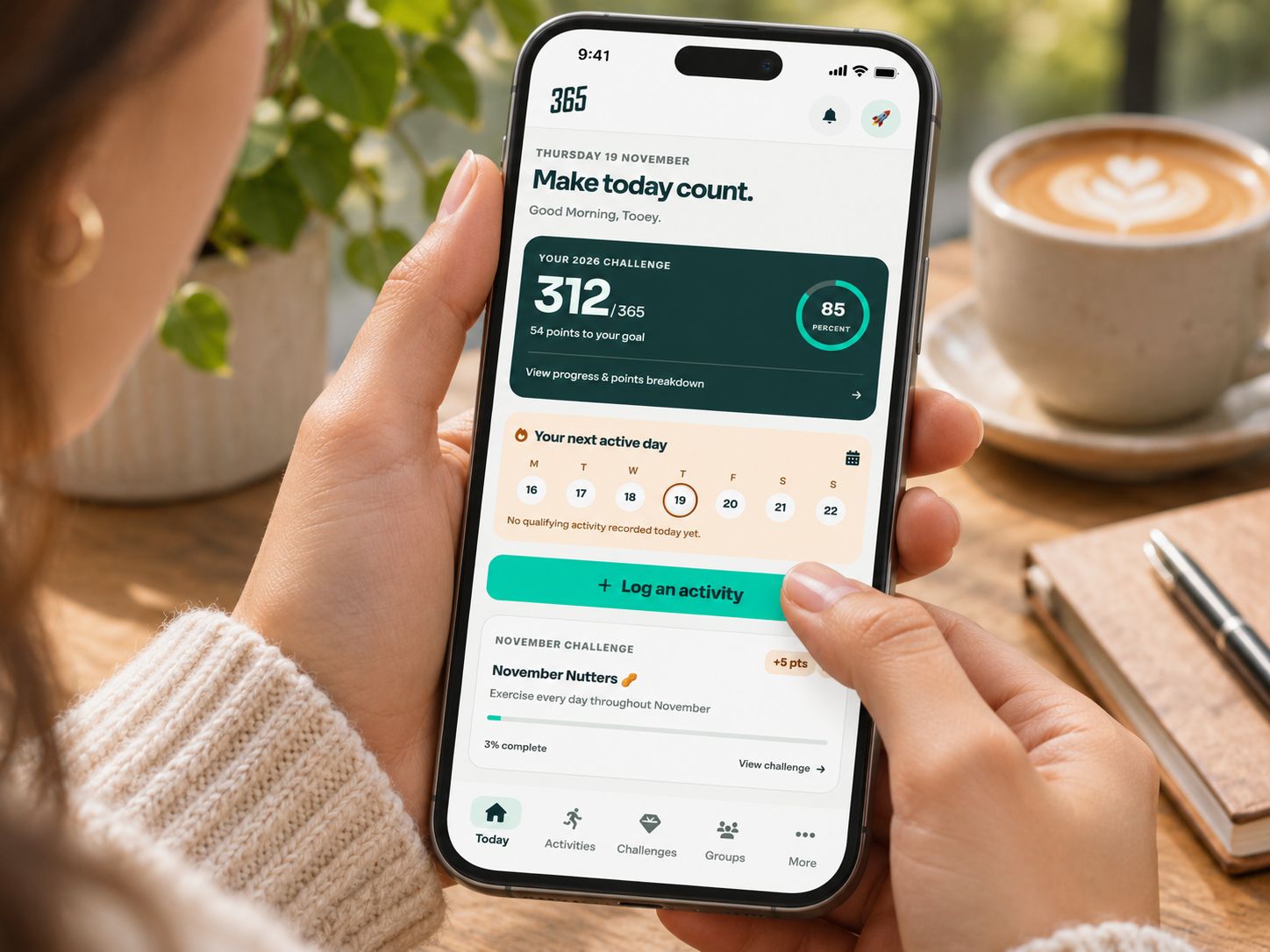
Add 365 Challenge to your phone’s Home Screen for quick access to your progress, activities and groups. You can also enable notifications to keep up with your challenge.
Installing on iPhone
- Open 365challenge.org in Safari.
- Open the Share menu and choose Add to Home Screen.
- If you see Open as Web App, leave it switched on, then tap Add.
- Open 365 using its new Home Screen icon and log in.
For more info see Apple’s installation guide
Installing on Android
- Open 365challenge.org in Chrome.
- Tap the three-dot menu, then Install and create shortcut → Install. Some versions show Install app or Add to Home screen.
- Follow the prompts, then open 365 from its new icon and log in.
For more info see Google’s installation guide
Switching on notifications
Open the app, tap the bell icon, then select Enable notifications. When your phone asks for permission, tap Allow.
You can choose three kinds of updates.
- Activity updates confirm when Strava activities sync and show the points they added.
- Evening reminders give you a nudge around 7pm if you haven’t recorded your active day.
- Monthly updates share your previous month’s score when available and remind you about the new challenge.