Introducing the Global Leaderboard
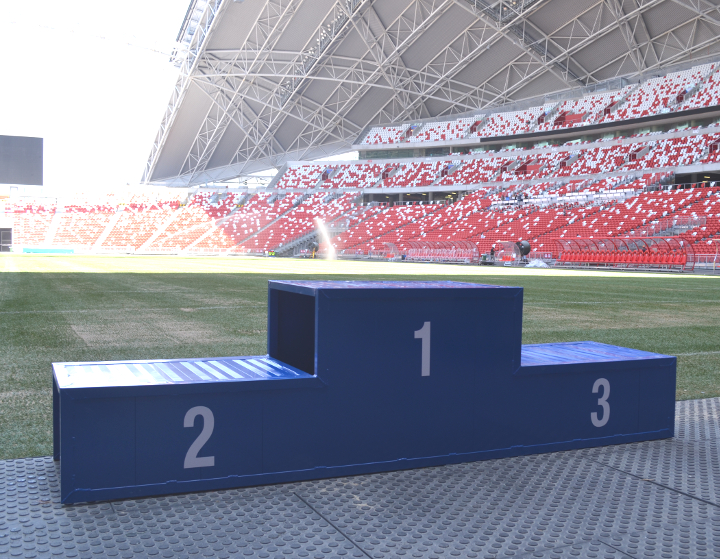
The 365 Challenge just became a little more connected.
Our new Global Leaderboard brings participating athletes together in one place, making it easy to see how your points compare across the wider 365 community.
How it works
You can open the leaderboard from the new Global option in the main menu, the My Groups page, or your dashboard’s My Groups panel.
You are in control
Participation is optional and enabled by default.
To change your preference:
- Open My Profile.
- Find Global Leaderboard under Preferences and Targets.
- Select or clear Include me.
- Save your changes.
If you opt out, you can still view the leaderboard, but your name, points and ranking will not appear. Your personal rank will remain private until you opt in again.
More ways to stay motivated
Open Global from the menu and take a look at the 2026 Hall of Fame.